


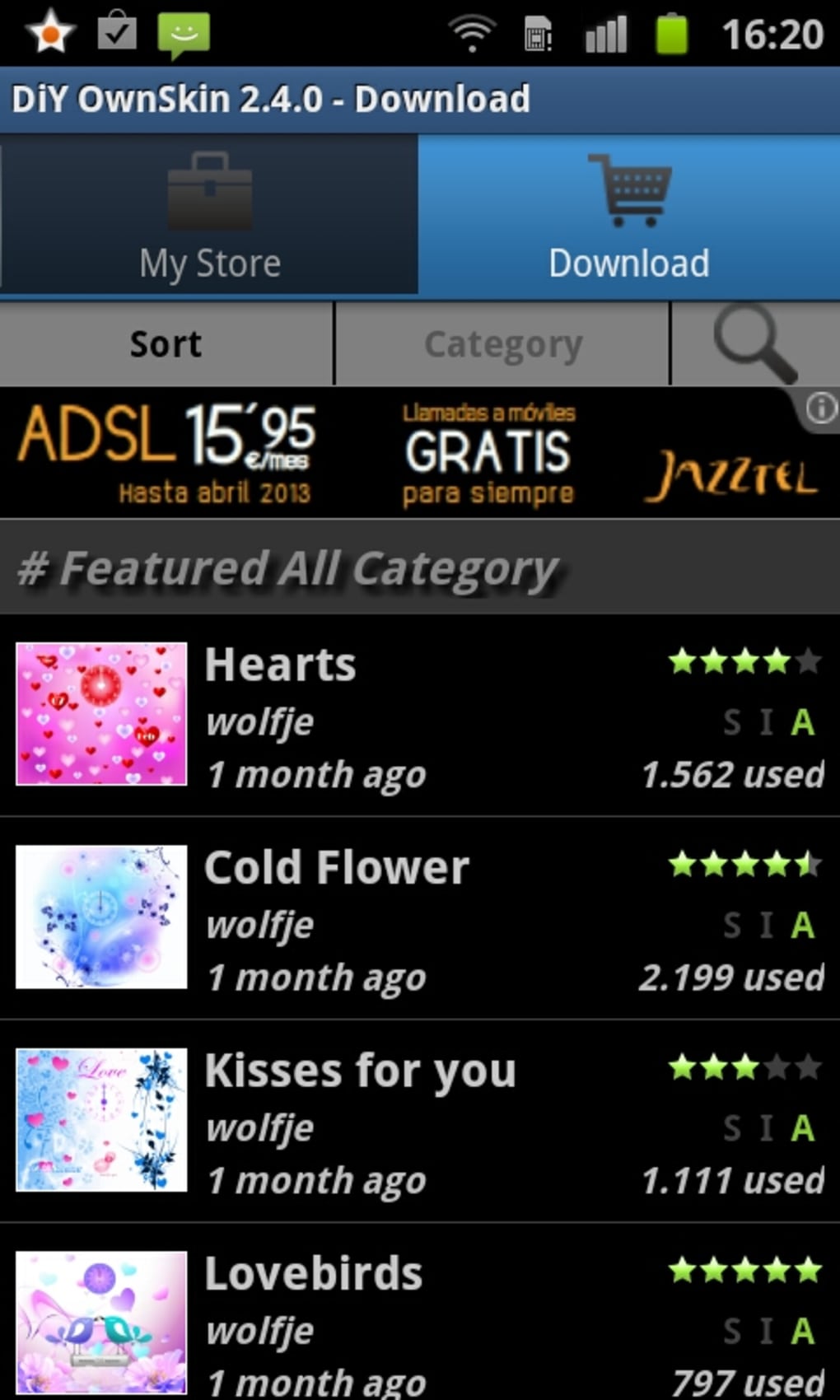
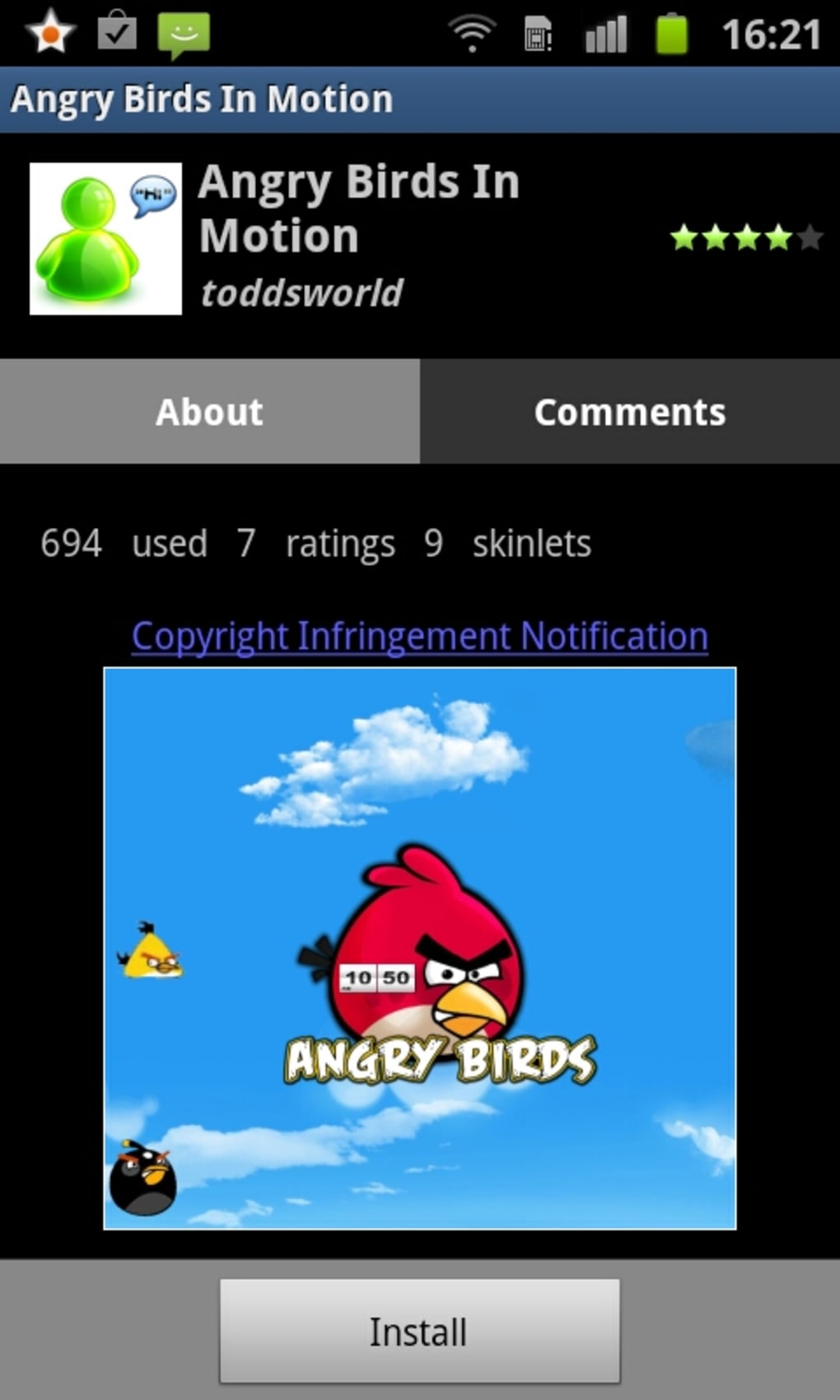
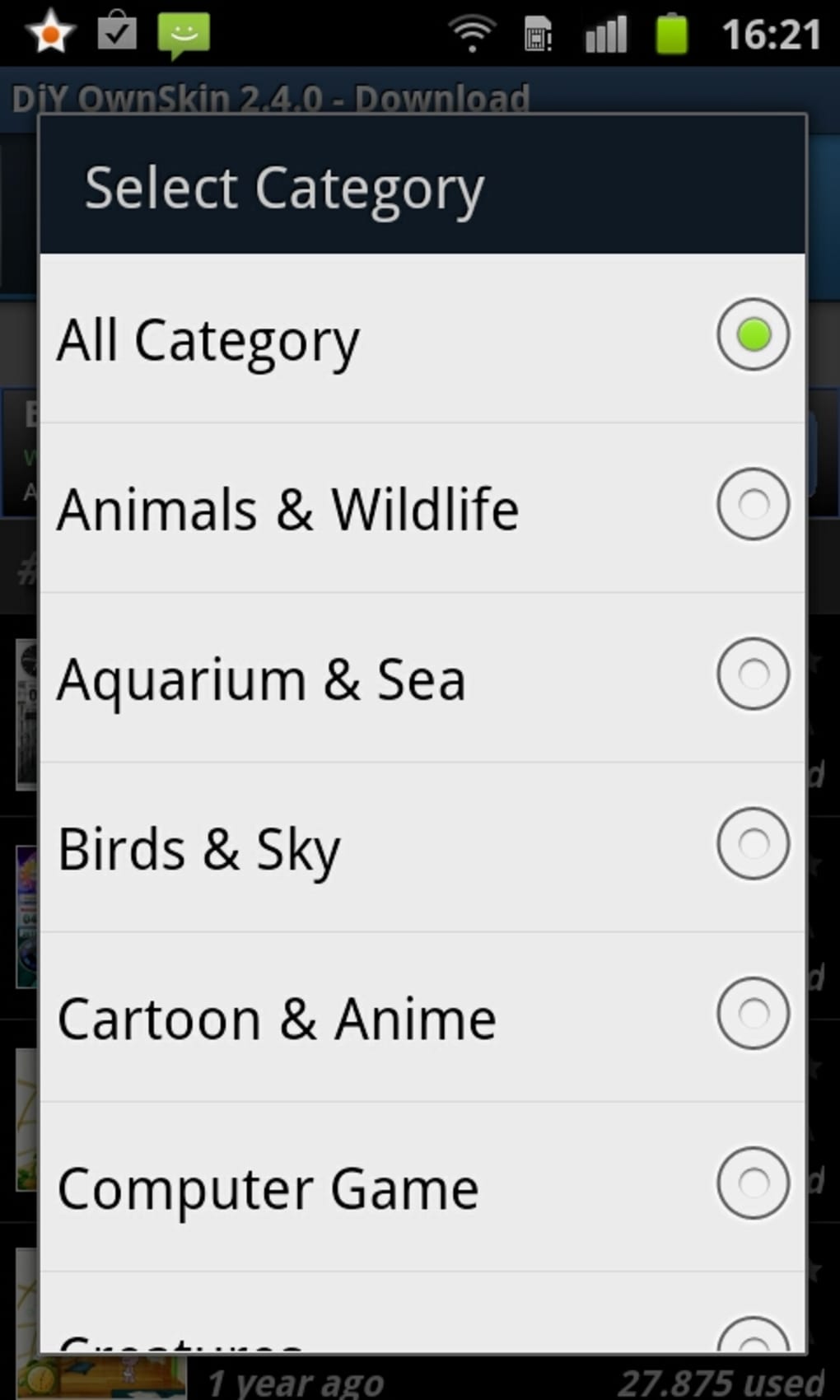
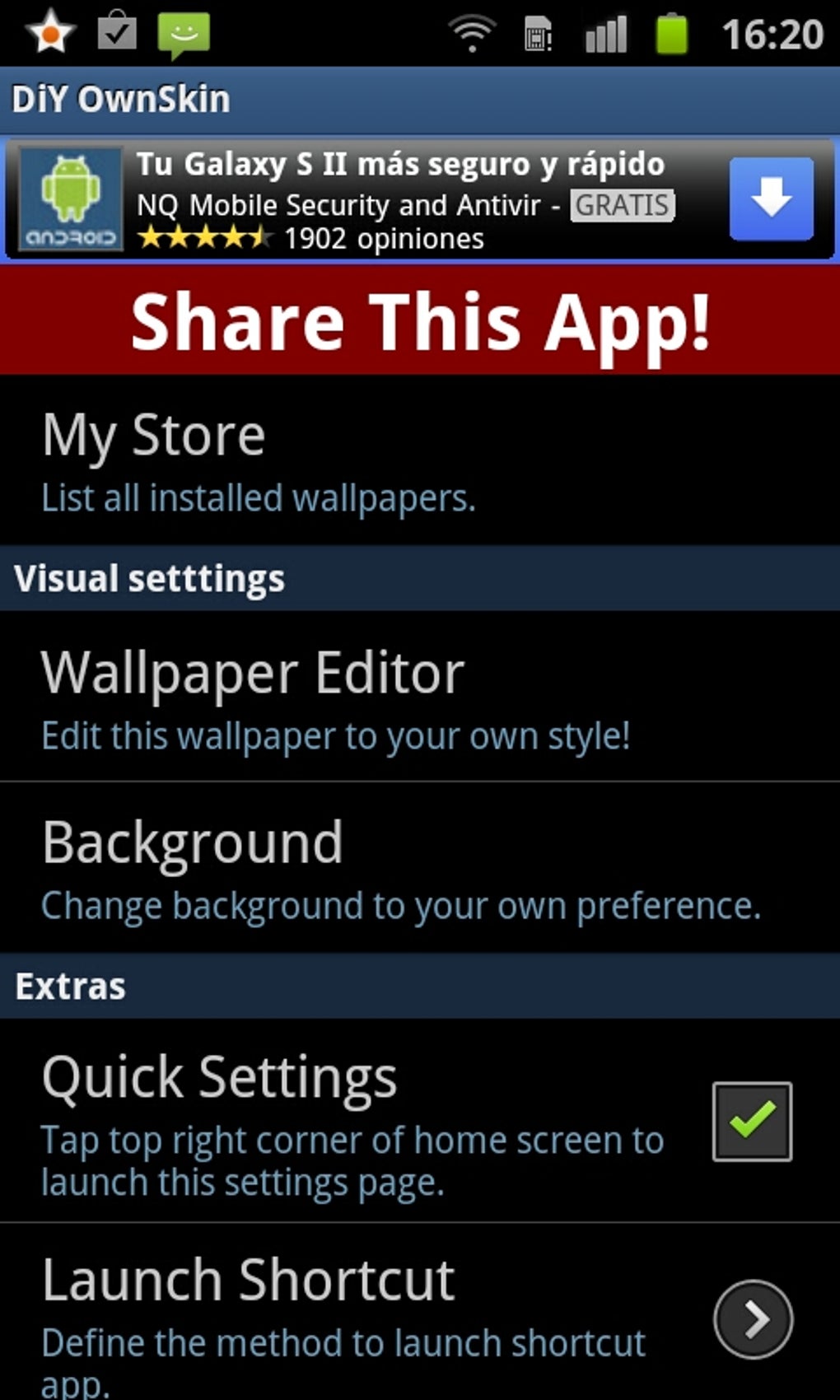

Description
Download DiY OwnSkin APK – Free Android App, DIY Skin, Customization Tool
Overview
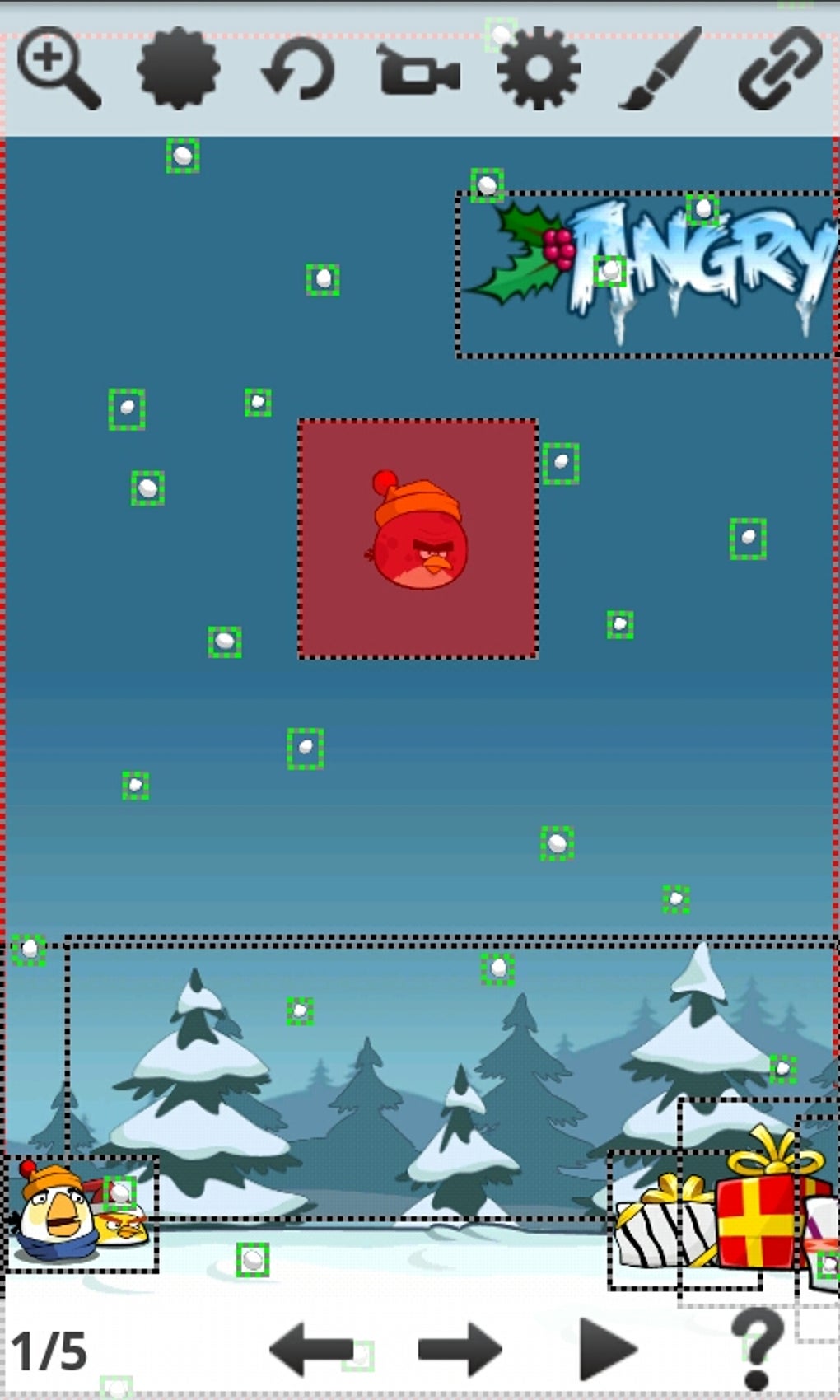
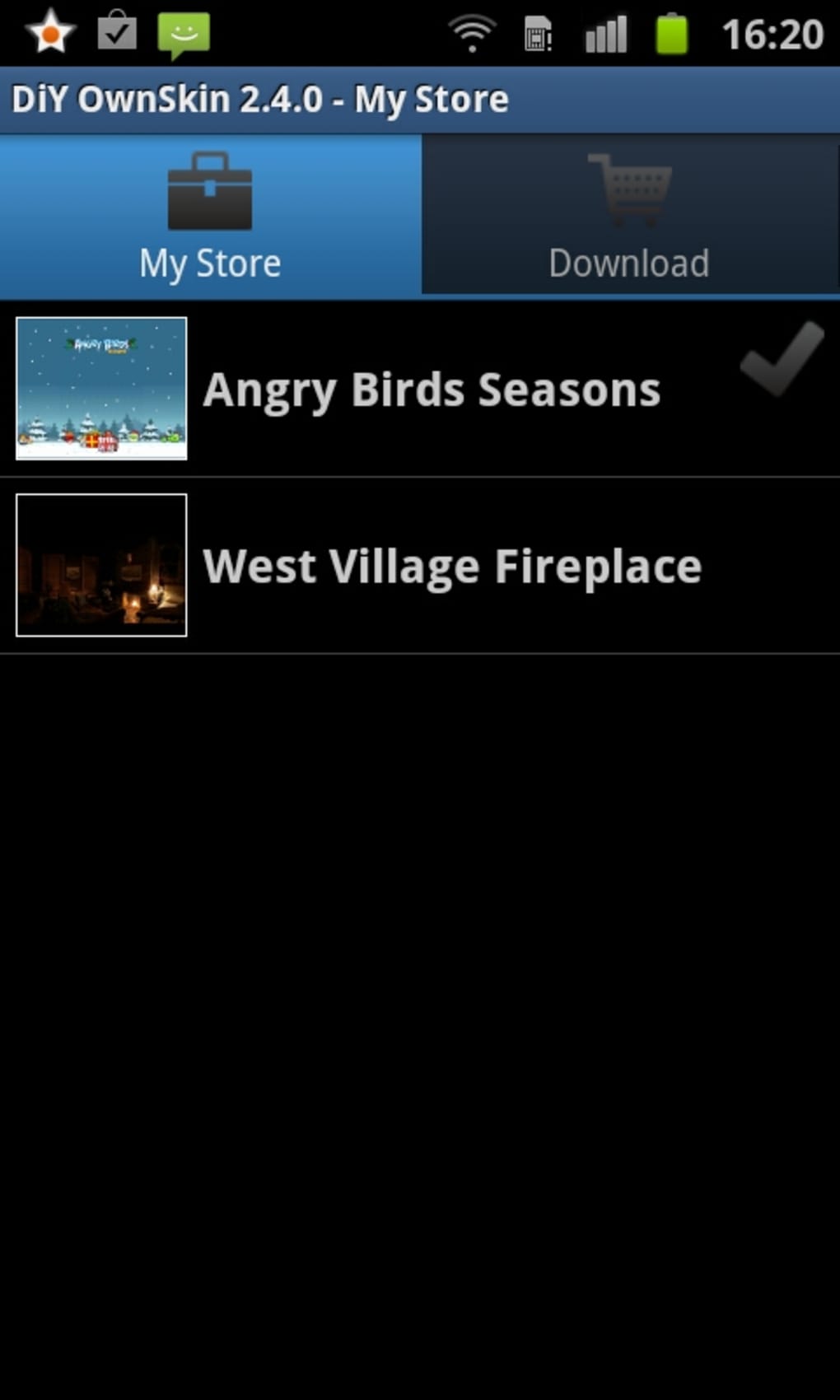
DiY OwnSkin is a lightweight Android application designed for users interested in personalizing their device’s appearance through custom skins. The app enables users to create and apply unique visual themes, offering a hands-on approach to device customization. Targeted primarily at Android enthusiasts and casual users seeking a personalized mobile experience, DiY OwnSkin provides a simple interface to modify the look and feel of their device without requiring advanced technical knowledge.
Developed by OwnSkin, the app has been available since 2012 and has maintained a steady presence in the Android ecosystem. Its primary purpose is to empower users with creative control over their device’s interface, supporting a range of visual modifications such as wallpapers, icons, and system UI elements. The app supports Android 2.2 and later versions, making it accessible to a broad user base, particularly those with older or budget-friendly devices.
Real-world usage scenarios include users who want to transform their phone’s interface for aesthetic reasons, such as creating a themed experience for a special event, personalizing their device for branding, or simply standing out from the crowd with a unique look. The app’s free availability and minimal resource footprint further enhance its appeal for users looking for an accessible customization tool.
Key Features & Capabilities
- Custom Skin Creation: Allows users to design and apply personalized visual skins, including wallpapers, icon packs, and system UI adjustments.
- Lightweight Design: The app requires only 570 KB of storage, making it suitable for devices with limited space.
- Compatibility with Older Android Versions: Supports Android 2.2 and up, ensuring accessibility for legacy devices.
- Free to Use: No cost to download or apply skins, making it accessible to a wide audience.
- Simple File-Based Installation: Users can download and install APK files directly, enabling direct control over skin deployment.
These features allow users to experiment with visual themes without relying on third-party app stores or complex setup processes. For example, a user might create a seasonal skin for a holiday, apply a minimalist theme for productivity, or build a branded look for a personal project. The app’s straightforward workflow supports quick implementation, ideal for users who value speed and simplicity in customization.
User Interface, Workflow & Performance
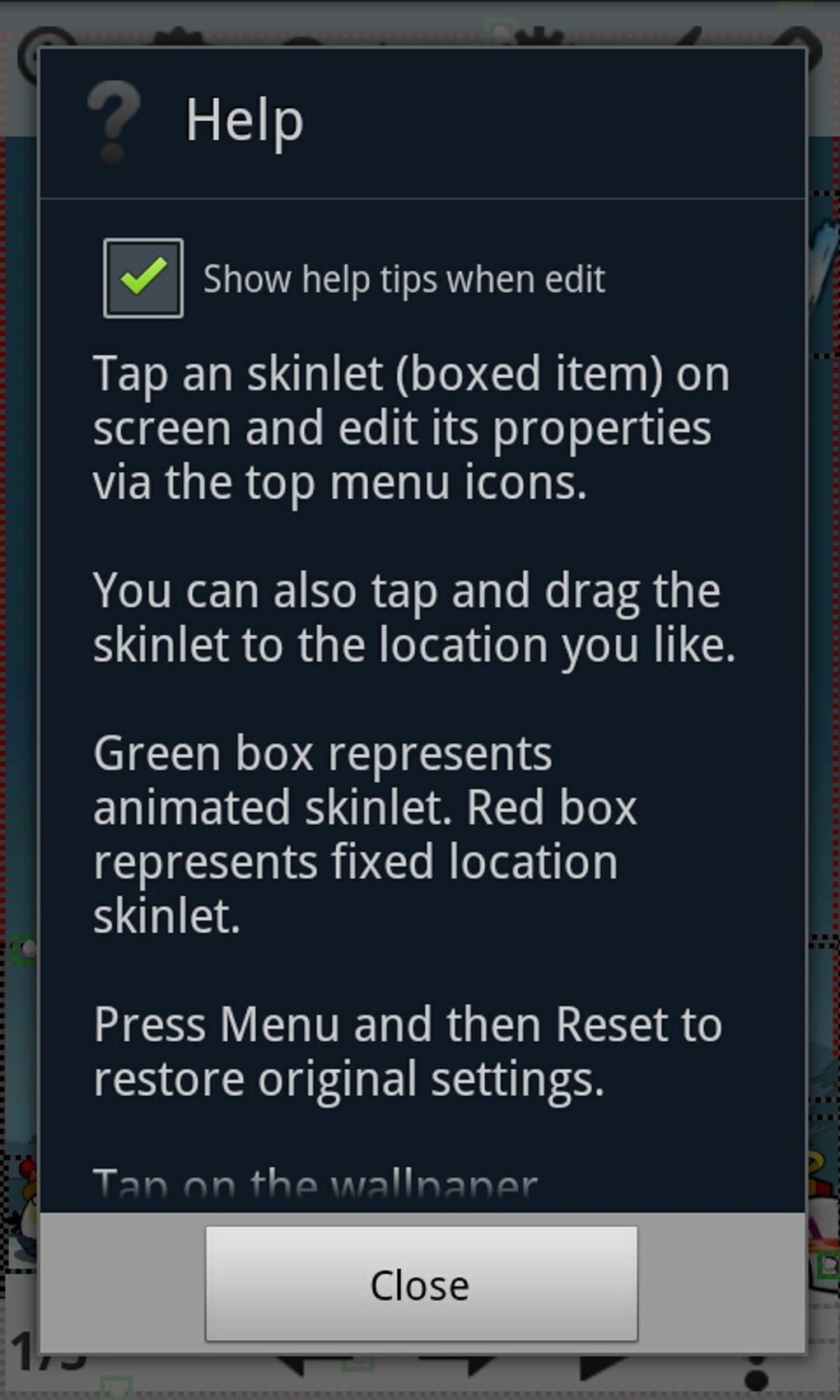
The user interface of DiY OwnSkin appears to be minimalistic, designed to focus on core functionality without unnecessary distractions. Navigation is likely structured around skin creation, management, and installation, with intuitive controls for selecting and applying custom themes. The workflow emphasizes ease of use, enabling users to create and deploy skins with just a few taps.
Given the app’s small size and long-standing presence, it is expected to operate efficiently on a variety of devices. However, exact performance details were not specified by the developer. Performance observations are based on general software behavior patterns, suggesting stable operation on devices meeting the minimum Android 2.2 requirement. The app’s lightweight nature implies low CPU and RAM usage, which benefits older or low-end devices.
Stability is assumed to be consistent, given the app’s long availability and low download volume. No reports of crashes or errors were provided. The developer did not specify resource usage details, so users should monitor performance during skin application, especially on devices with limited memory.
Compatibility & System Requirements
DiY OwnSkin is designed for Android operating systems, specifically versions 2.2 and later. This broad compatibility allows the app to function on a wide range of devices, including older models that may no longer support newer customization tools. The app’s installation size is 570 KB, which is considered minimal compared to many other Android applications.
Exact system requirements were not listed. The developer did not provide additional system requirements beyond the minimum Android version. Hardware specifications such as processor speed, RAM, or GPU capabilities were not disclosed. Compatibility information is limited to the OS version and file size, leaving users to rely on general device capabilities for installation success.
Pros and Cons
Pros
- Free to download and use with no in-app purchases
- Extremely lightweight at just 570 KB
- Supports older Android versions (2.2 and up)
- Simple, intuitive interface for skin customization
- Direct APK installation enables full user control
Cons
- No information on advanced customization options or features
- Limited support for newer Android versions beyond 2.2
- No official update details beyond version 2.5.1 (released 2012)
- Minimal documentation or user guidance provided
- Performance on modern devices may be unpredictable due to outdated development
FAQ Section
Is DiY OwnSkin safe to download and install?
The app is hosted on a trusted server, and the APK file is reported to be secure. No malicious behavior has been associated with the download. However, users should only install APKs from verified sources to maintain device security.
Can I use DiY OwnSkin on modern Android devices?
While the app is compatible with Android 2.2 and later, its functionality may be limited on newer Android versions due to changes in system architecture and security policies. Users on modern devices may experience compatibility issues or restricted access to system-level customization.
Does DiY OwnSkin require an internet connection?
Internet access is not required to apply or use skins once installed. However, an internet connection is needed to download the APK file and any associated skin resources.
How do I update DiY OwnSkin?
The current version is 2.5.1, released on February 22, 2012. No official update mechanism or release notes were provided. Users must manually check for new versions, if available, through the source site.
What type of license does DiY OwnSkin use?
DiY OwnSkin is distributed as a free application with no restrictions on personal use. The developer did not specify a formal license type, but the free availability suggests it is open for non-commercial use.
Final Thoughts + CTA
DiY OwnSkin stands out as a niche but enduring tool for Android users seeking a simple, free way to customize their device’s appearance. Its lightweight footprint and long-standing support for older Android versions make it a viable option for users with legacy devices or those who value minimalism in software. While the app lacks modern features and has not seen updates in over a decade, its core functionality remains intact for basic skin creation and application.
For users who prioritize simplicity, affordability, and direct control over their device’s look, DiY OwnSkin offers a unique solution. However, those using modern Android systems may encounter limitations due to outdated compatibility. Still, for its intended audience, it remains a functional and accessible tool.
Download DiY OwnSkin now to explore a free, lightweight way to personalize your Android experience.
Guides & Tutorials for DiY OwnSkin APK
How to install DiY OwnSkin APK
- Click the Preview / Download button above.
- Once redirected, accept the terms and click Install.
- Wait for the DiY OwnSkin APK download to finish on your device.
How to use DiY OwnSkin APK
This software is primarily used for its core features described above. Open the app after installation to explore its capabilities.
User Reviews for DiY OwnSkin APK 0
No reviews found





